 BurtonSoftware
01 Module Scope
Inventory and Warehouse modules manage product master data, stock lookup, locations, warehouse map, task tracking, pallet papers, staging, cycle counts, equipment, propane logs, warehouse setup, and work logs.
02 Inventory Pages
| Page | Purpose |
|---|---|
| Products | Maintain SKU, style, description, dimensions, cube, prepack, and on-hand information. |
| Inventory | Review on-hand, available, reserved, received date, and inventory status. |
| Warehouse Map | View warehouse zones, racks, capacity, occupancy, and available pallet positions. |
| Location by Zone / Style / Lot | Review stock by location, style, lot, and zone. |
03 Warehouse Pages
| Page | Purpose |
|---|---|
| Task Tracker | Track warehouse tasks by employee and time period. |
| Pallet Papers | Review pallet paper, release number, picker, location, and staged status. |
| Staging | Verify staged release records, pallets, quantities, and locations. |
| Warehouse Setup | Maintain warehouse code, address, coordinates, timezone, capacity, and active status. |
| Work Log / Equipment / Propane | Track operational logs, equipment, propane, and supporting warehouse records. |
04 Recommended Inventory Workflow
- Keep SKU and product master data consistent before receiving or shipping.
- Use Inventory and Location views to confirm on-hand, available, reserved, and location data.
- Use Warehouse Map to understand space constraints and occupancy before large receipts or releases.
- Use Task Tracker and Work Log to review labor activity and warehouse execution history.
- Use cycle count or location correction workflows when stock does not match the physical warehouse.
05 Risk Controls
- A wrong SKU, lot, or location affects receiving, picking, reporting, and billing.
- Warehouse Map should be reviewed before large inbound appointments or outbound waves.
- Location changes should be traceable and preferably connected to a task, count, or work log.
06 Reference Screens
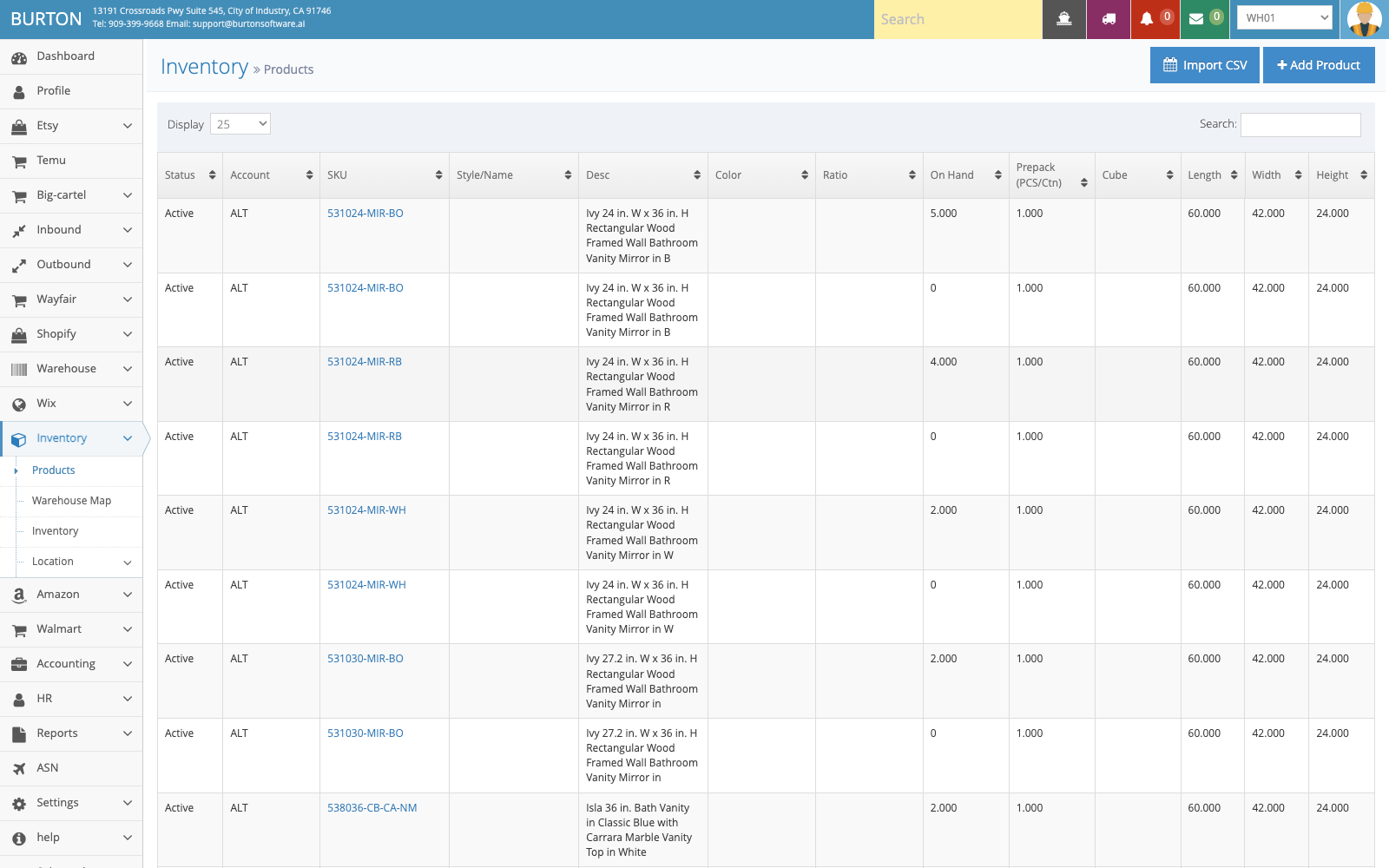
Products maintains SKU, style, dimensions, cube, prepack, and inventory information.
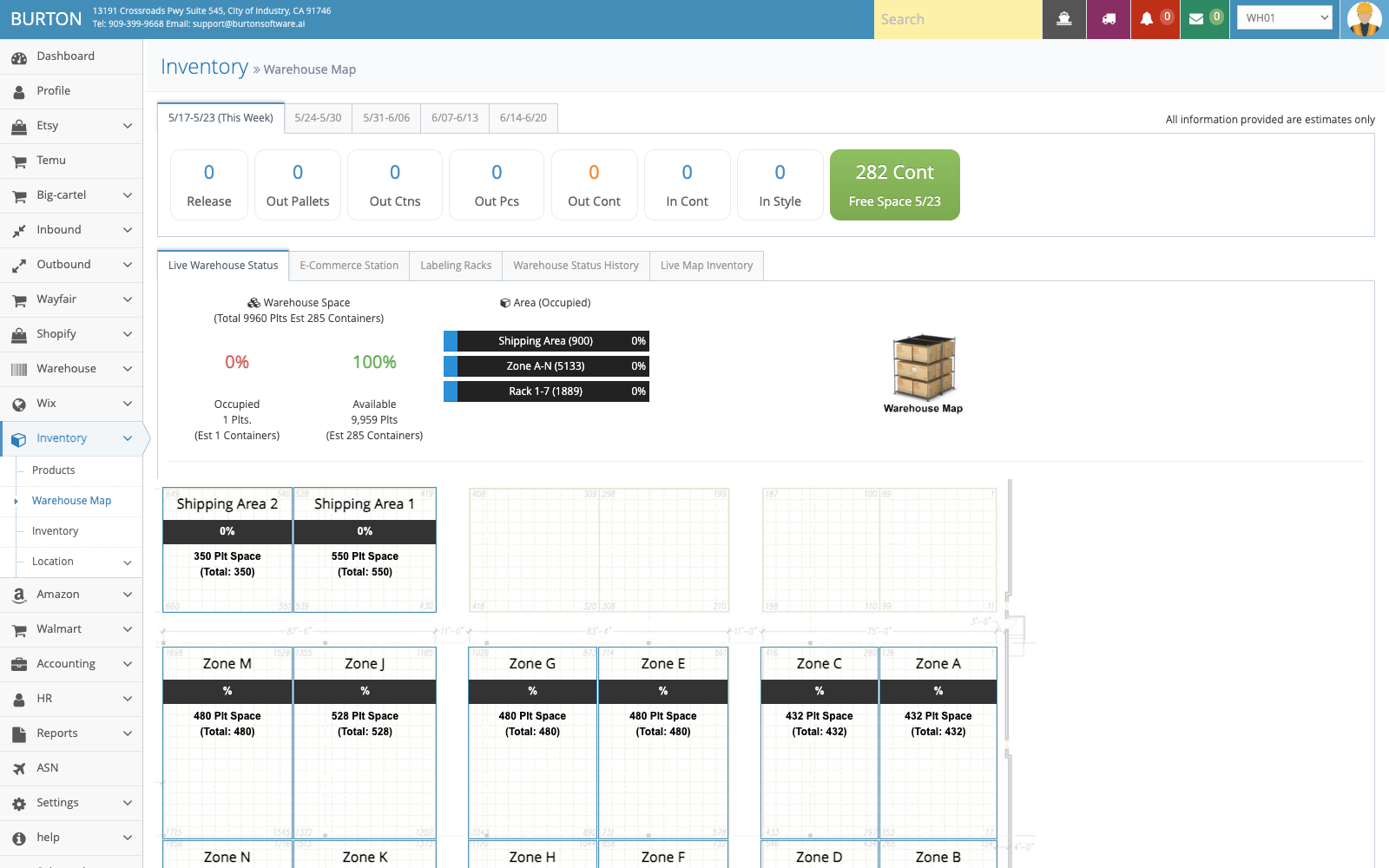
Warehouse Map shows capacity, occupancy, and available space by zone and rack.
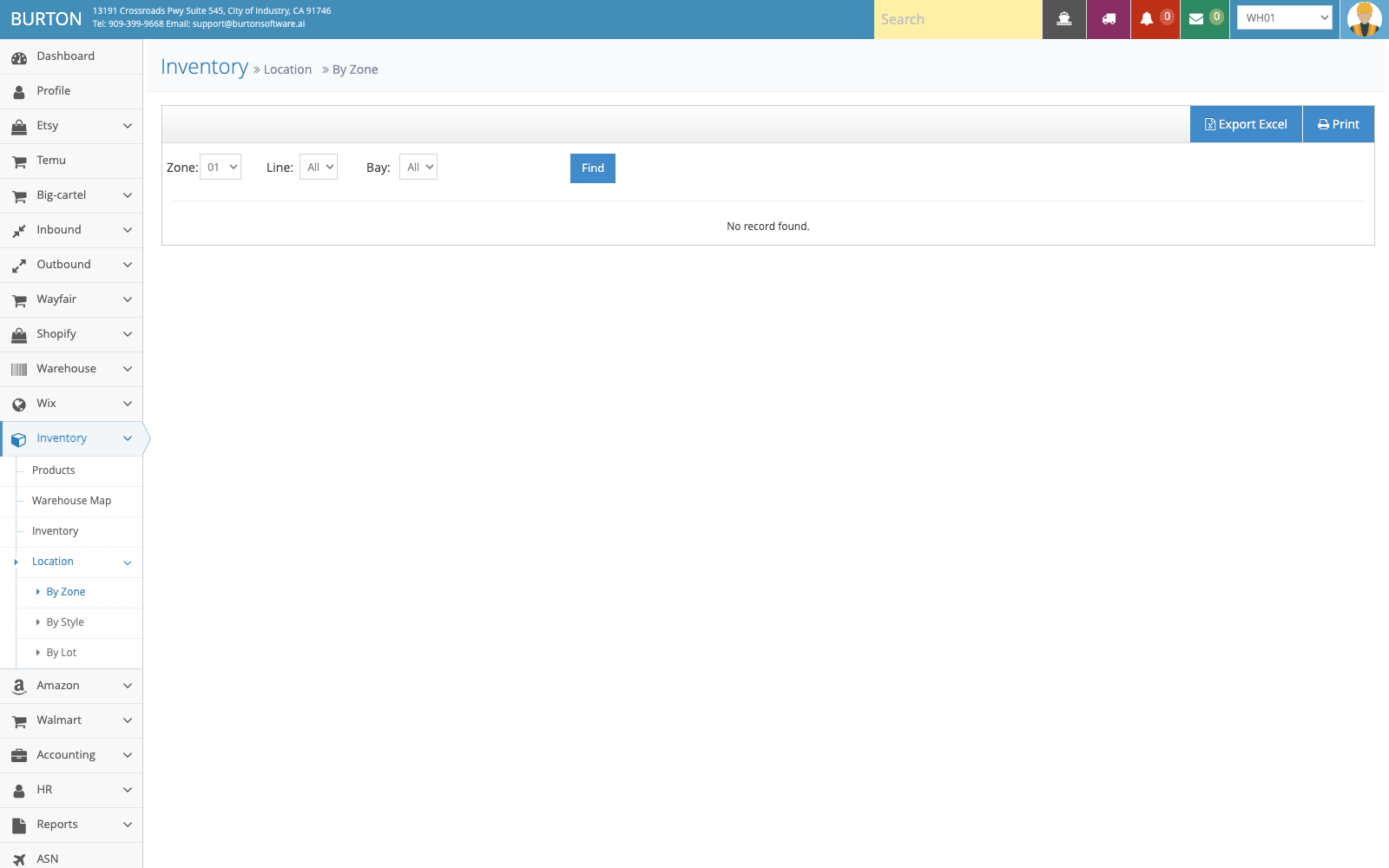
Location by Zone helps teams review SKU, lot, quantity, and location distribution.