 BurtonSoftware
01 Module Scope
Employee scheduling, time cards, and work costing connect labor planning, actual warehouse execution, and finance review. The related WMS pages are HR Schedule, HR Time Card, Warehouse Work Log, and the Accounting pages for Work Order Cost, Labeling Cost, and Work-order-task.
02 Page Responsibilities
| Page | Purpose | Common Actions |
|---|---|---|
| HR > Schedule | View the employee schedule calendar by warehouse and plan daily or weekly staffing. | Select warehouse, switch Month / Week / Day / List views, Create schedules, and Print the calendar. |
| HR > Time Card | Review attendance by warehouse, department, and date. | Compare, Check, Resync, and generate Monthly Report. |
| Warehouse > Work Log | Review actual warehouse activity by employee and date range. | Select warehouse, user, datefrom, dateto, Find, Export PDF, Export Excel, Print Report, or Full Detail. |
| Accounting > Work Order Cost | Review work order costs by warehouse and date range. | Enter datefrom / dateto, Find, and export filtered results to Excel. |
| Accounting > Labeling Cost | Maintain and export labeling cost records. | Select date, Find, Export Excel, and use Add Data when an authorized adjustment is needed. |
| Accounting > Work-order-task | Review task-level work order cost detail. | Filter by warehouse and date range to validate Work Order Cost details. |
03 Standard Workflow
- The supervisor reviews HR > Schedule by warehouse and confirms labor coverage with Month, Week, Day, or List view.
- If a new schedule is needed, use Create. For floor operations, use Print to share the daily or weekly plan.
- After daily execution, the warehouse lead reviews Warehouse > Work Log by employee and date range, then exports PDF or Excel for the closeout file.
- HR or operations reviews HR > Time Card by warehouse, department, and date with Compare and Check. Use Resync only when the data source must be refreshed.
- Finance reviews Accounting > Work Order Cost, Labeling Cost, and Work-order-task using the same warehouse and date range, then reconciles those results against Work Log and Time Card.
- Before month close, export Work Log, Time Card Monthly Report, Work Order Cost, and Labeling Cost, then align them with Invoice Records and Invoice Rules.
04 Closeout Checklist
| Check | What to Confirm |
|---|---|
| Warehouse scope | Schedule, Time Card, Work Log, and Work Order Cost use the same warehouse. |
| Date range | Labor and cost reports use the same datefrom and dateto. |
| Employee scope | Work Log can filter by Select User for individual productivity and exception review. |
| Department scope | Time Card supports All Department and department filters before monthly reporting. |
| Cost scope | Work Order Cost, Work-order-task, and Labeling Cost match actual work orders, labeling activity, and invoice rules. |
05 Risk Controls
- Schedule is the plan; Work Log and Time Card are the execution evidence. Do not settle labor only from the schedule calendar.
- Resync refreshes time card data and should be limited to HR or supervisors after review.
- Confirm warehouse, employee, department, and date filters before exporting PDF or Excel.
- If Work Order Cost shows No record found, check the date range, warehouse, and whether work-order tasks generated cost records.
- Labeling Cost supports Add Data, so adjustments should be tied to the correct customer and billing rule.
06 Reference Screens
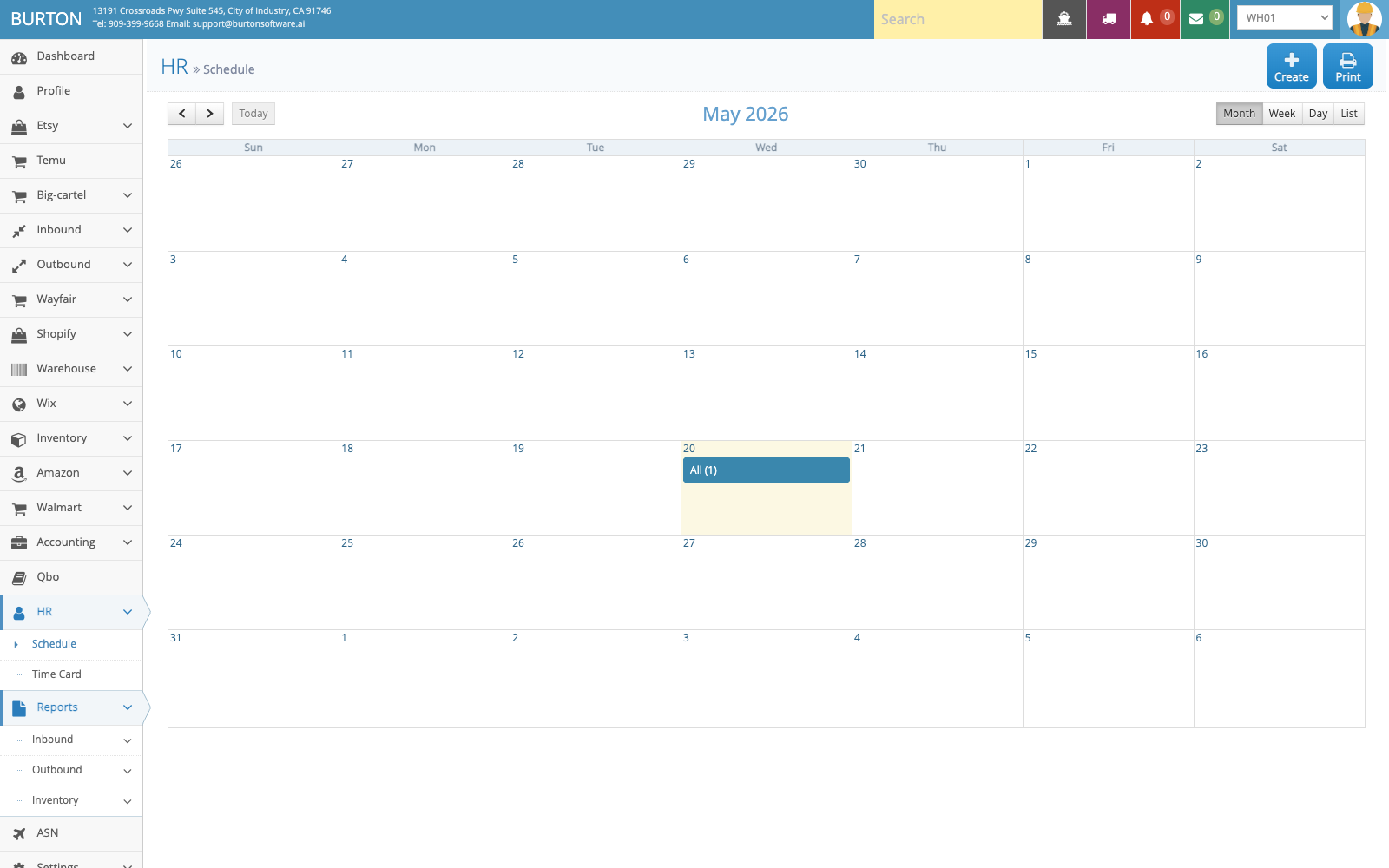
HR Schedule shows the warehouse schedule calendar with Create, Print, and multiple calendar views.
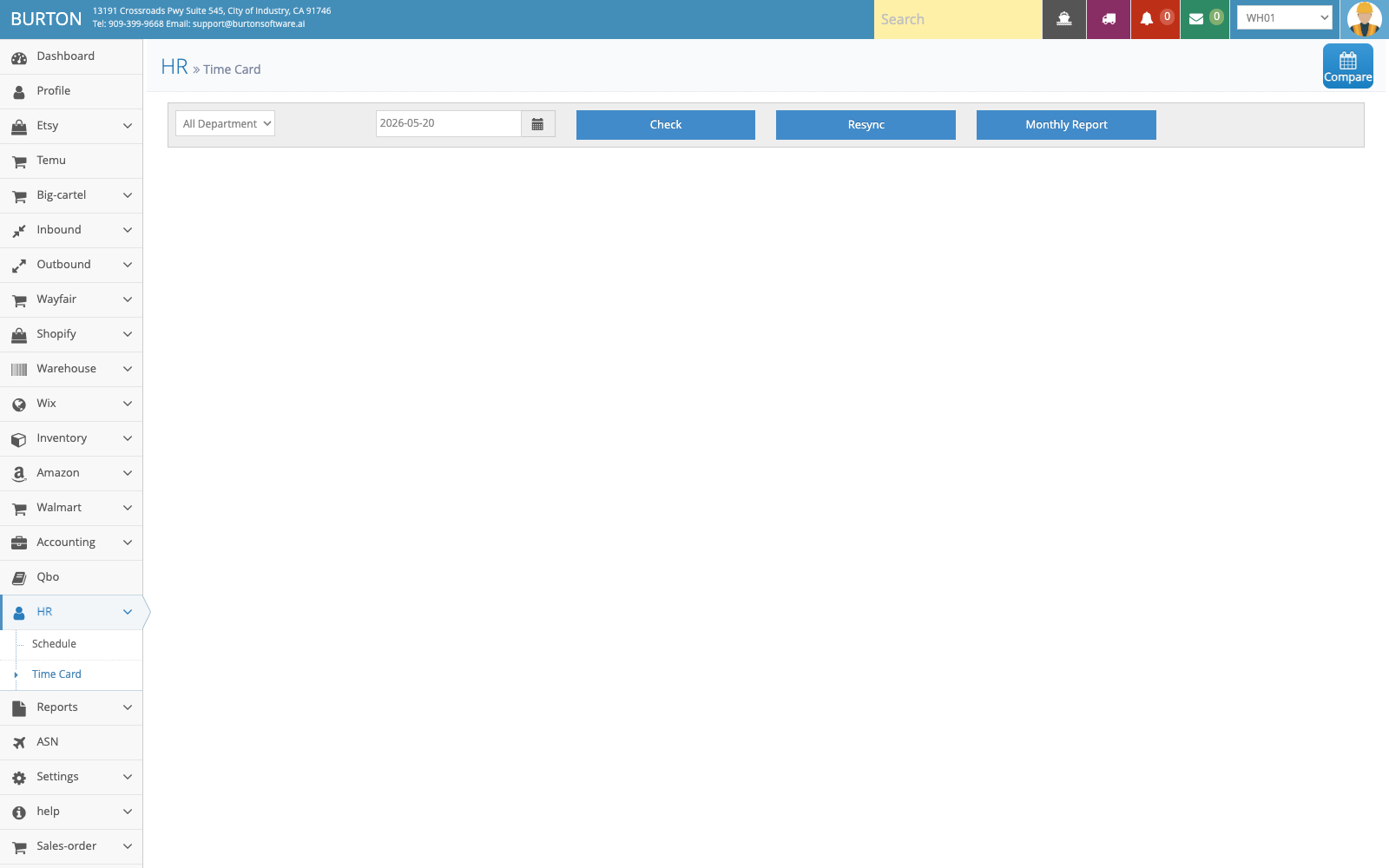
HR Time Card reviews attendance by warehouse, department, and date with Compare, Check, Resync, and Monthly Report.
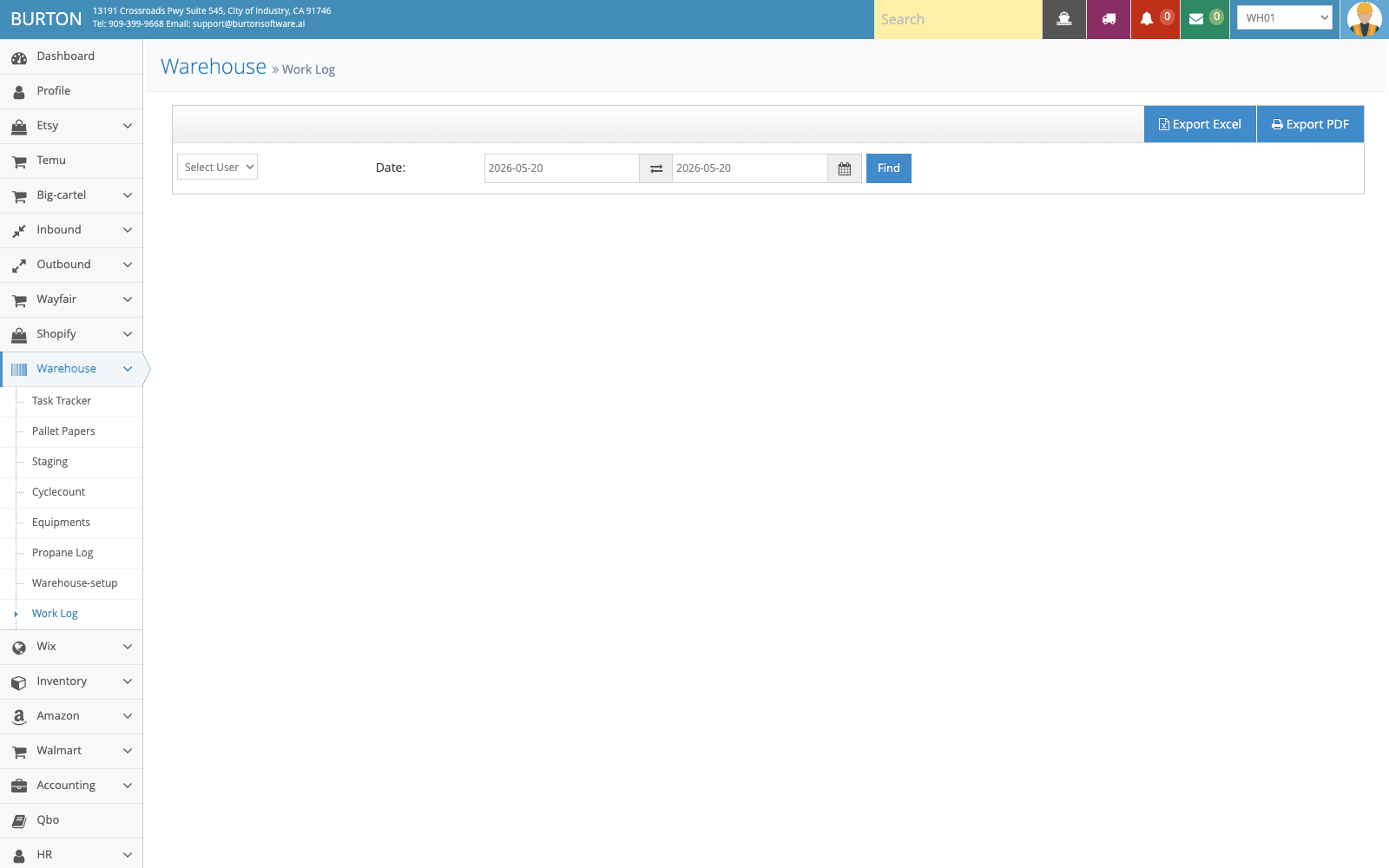
Warehouse Work Log filters actual activity by employee and date range and supports PDF / Excel export.
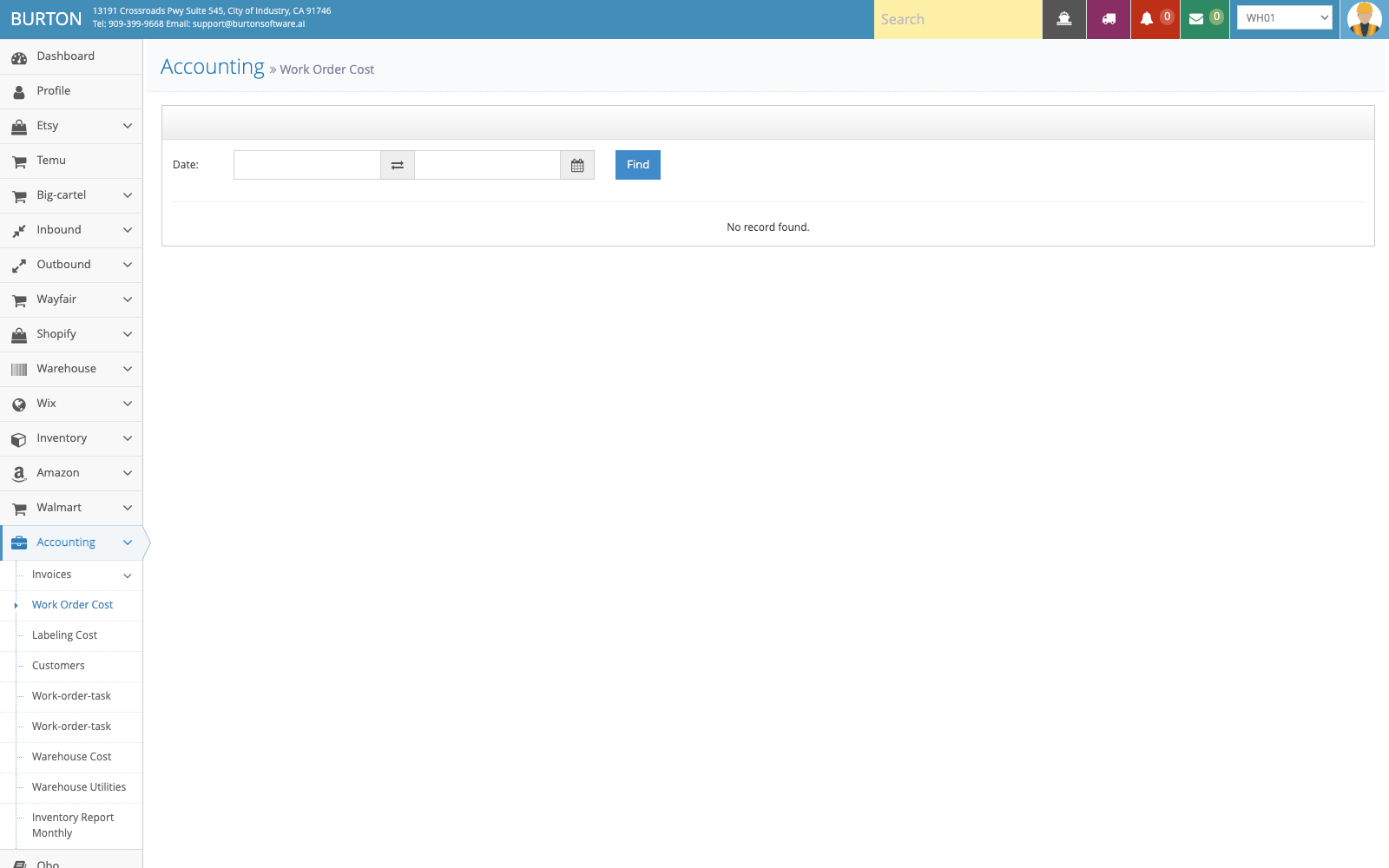
Work Order Cost summarizes work order costs by warehouse and date range for finance review.
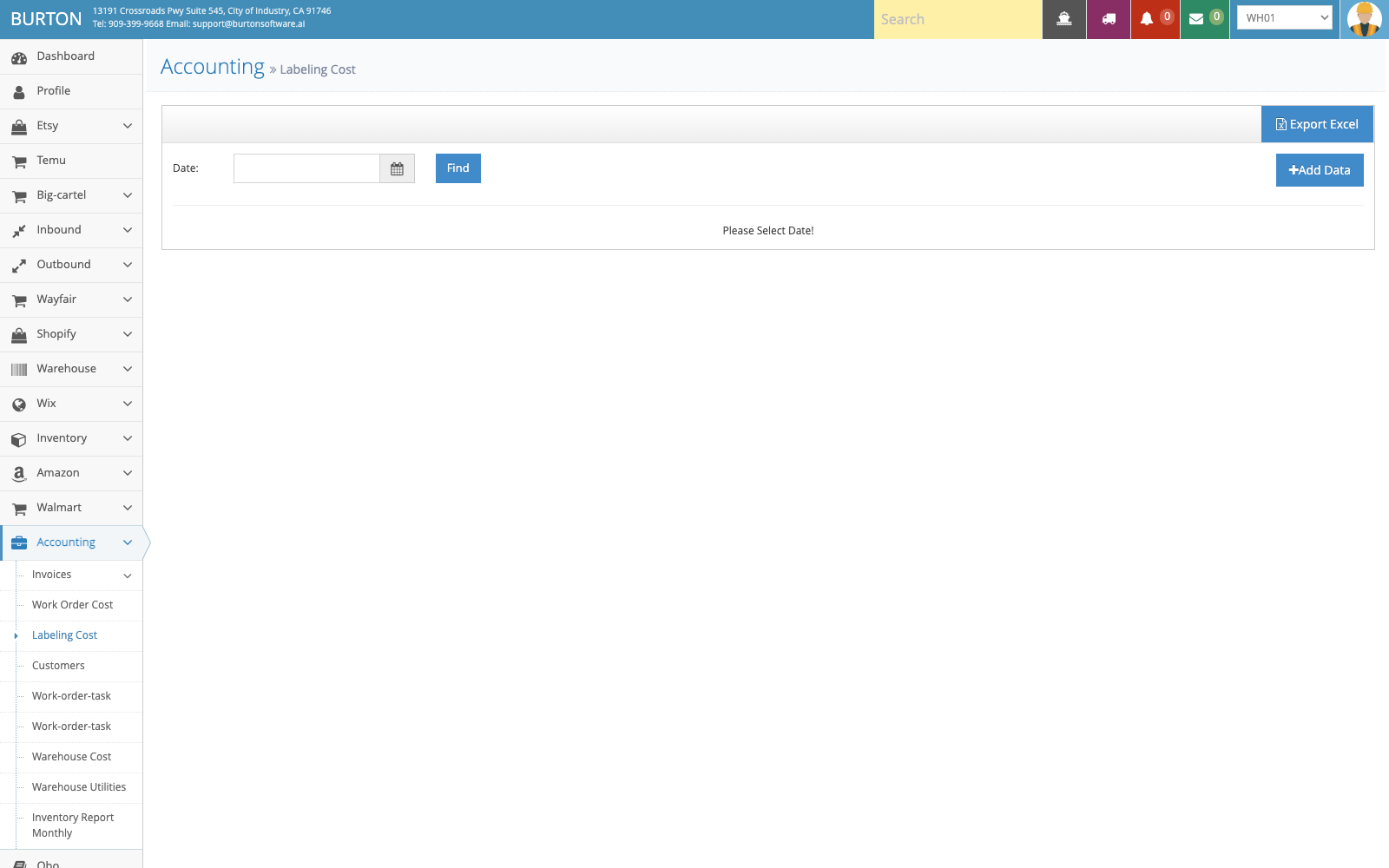
Labeling Cost supports cost lookup, export, and authorized manual additions.
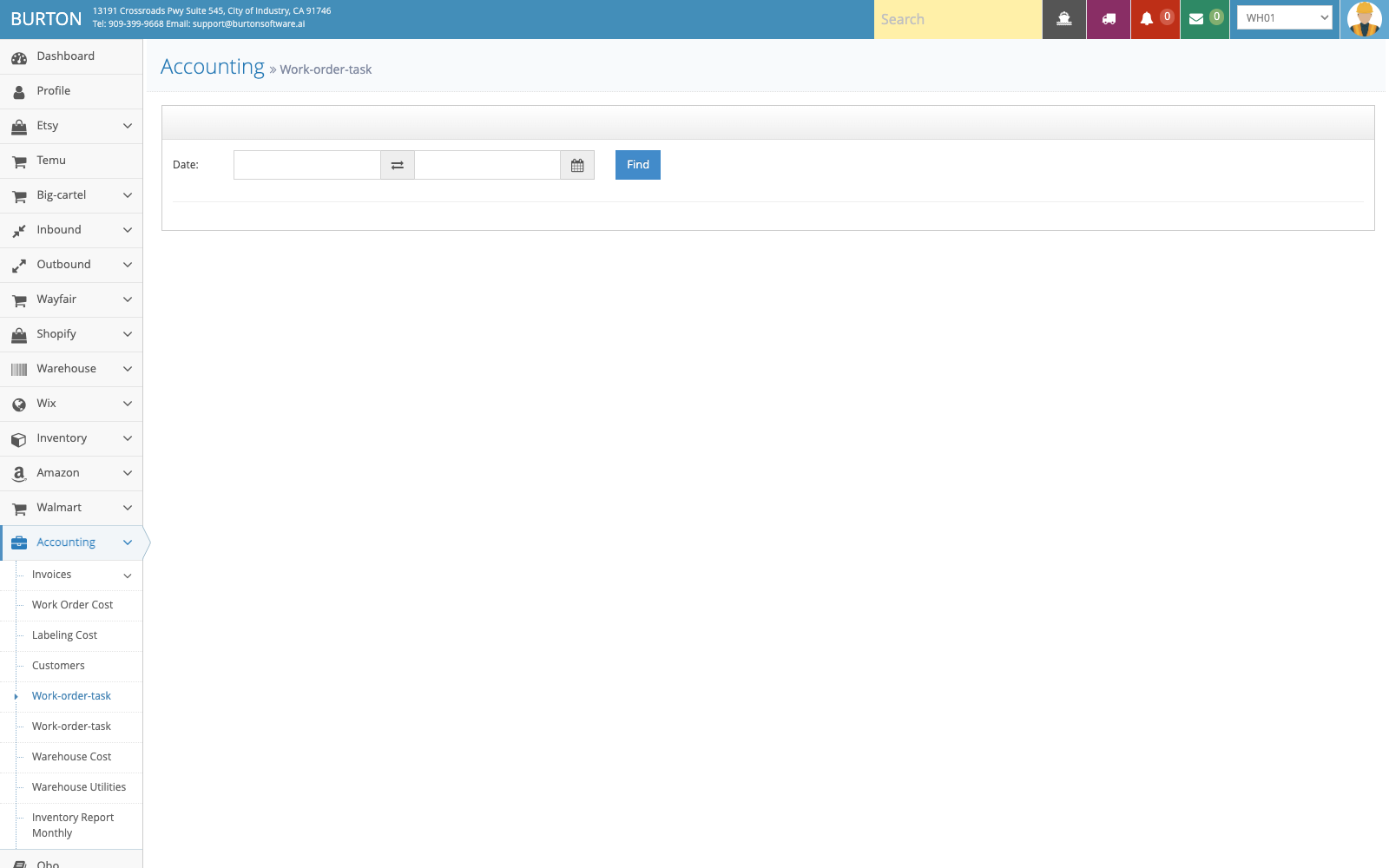
Work-order-task validates task-level cost details behind work order costing.