 BurtonSoftware
01 Capability Overview
BAIWMS OMS Hub can receive orders from external ERP, OMS, customer portals, and commerce hubs, normalize the order model, resolve SKU mappings, validate business rules, and route warehouse work to Burton AI WMS. Depending on upstream capability and project scope, integration may use REST APIs, webhooks, scheduled polling, SFTP, CSV, or EDI.
Exact endpoints, fields, and automation scope are subject to technical assessment and the mutually approved integration design. A connector that has not been configured should not be treated as ready for production.
02 Integration Options
| Method | Best Fit | Delivery Notes |
|---|---|---|
| REST API push | ERP or OMS can call an endpoint. | Recommended for real-time create, update, and cancel events. |
| Webhook plus API | Upstream emits events and Burton reads details. | Supports event-driven, low-latency exchange. |
| Scheduled polling | Upstream offers query APIs but no push. | Incremental synchronization runs on an agreed schedule. |
| SFTP / CSV / EDI | Legacy ERP, batch orders, or fixed formats. | Templates, folders, and acknowledgements control batch exchange. |
| OMS Hub mediation | Multi-channel, multi-tenant, or complex mapping. | OMS normalizes data before WMS execution. |
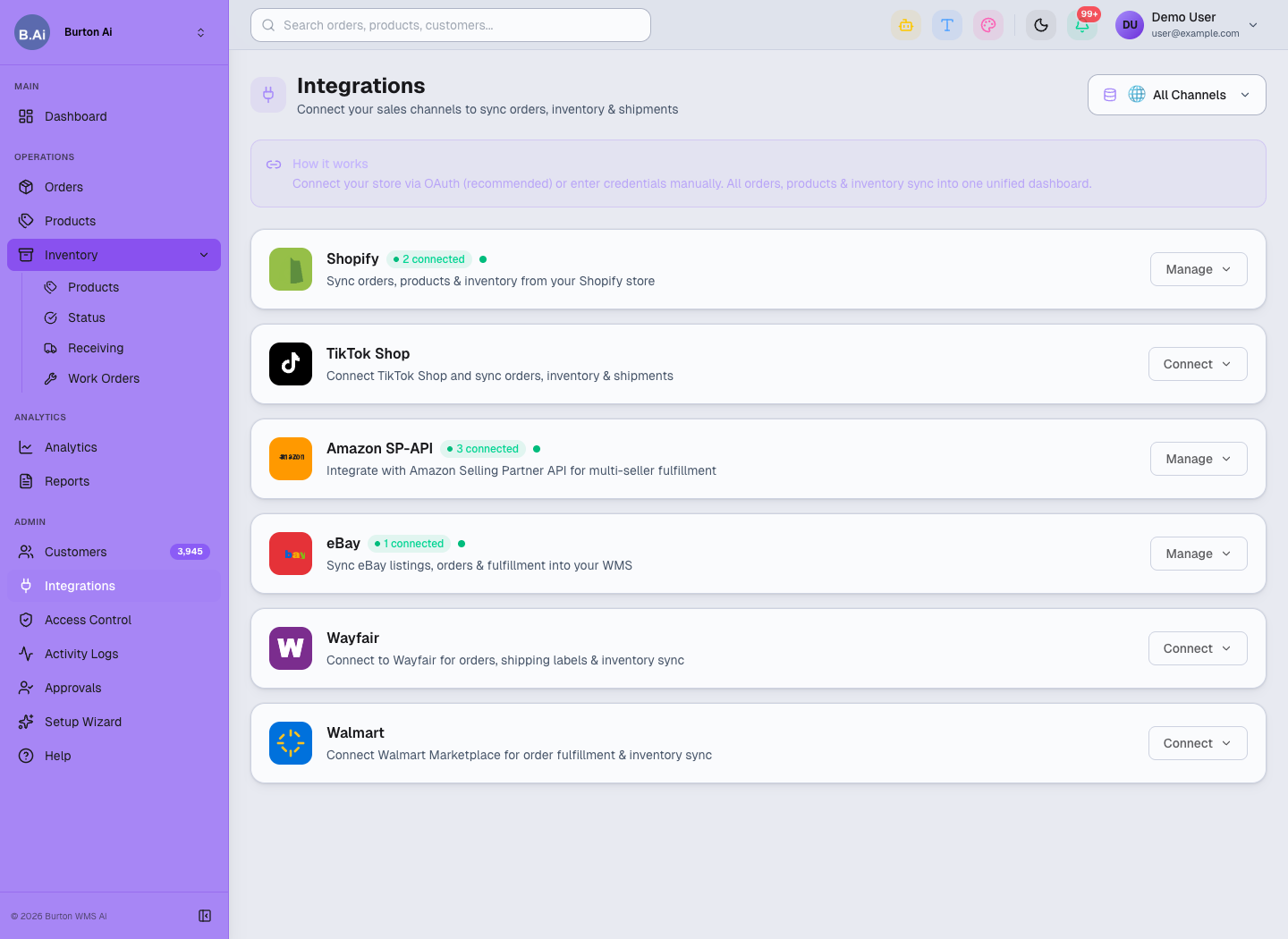
Integration projects use a unified workspace for channels, environments, and connection status.
03 Standard Data Scope
Order intake normally covers external order ID, client, warehouse, order type, recipient, address, SKU, quantity, UOM, lot requirements, shipping service, notes, and value-added services. Required fields, enumerations, time zones, address formats, and SKU mapping must be agreed before go-live.
| Object | Into Burton | Back to Upstream |
|---|---|---|
| Order | Create, update, cancel, and lines. | Acceptance, internal order ID, and rejection reason. |
| Inventory | SKU, owner, warehouse, and availability query. | Snapshot or inventory changes. |
| Fulfillment | Warehouse, service, and handling requirements. | Accepted, released, picked, packed, and shipped status. |
| Logistics | Carrier, service code, and label requirements. | Tracking, ship time, and package details. |
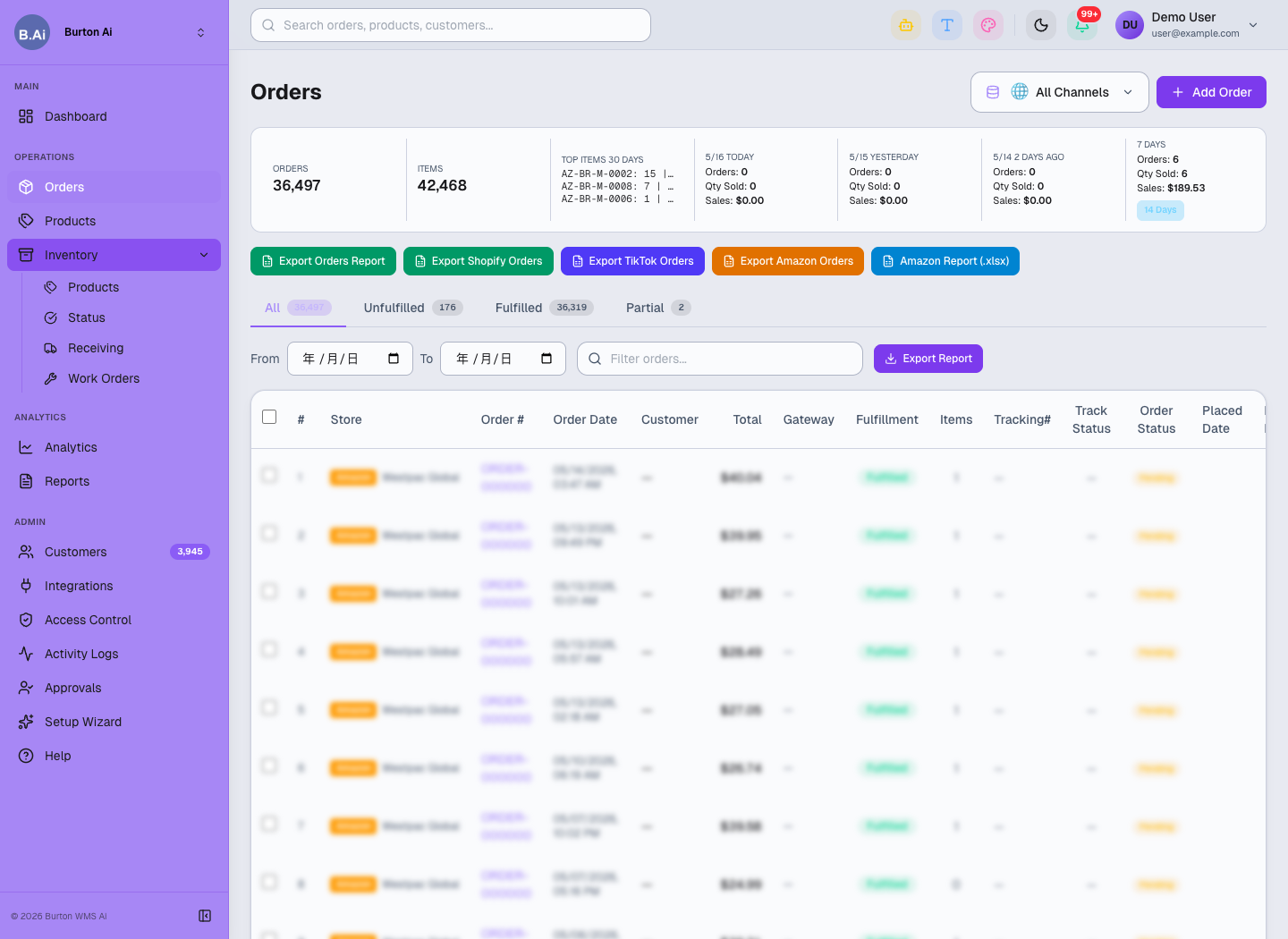
Validated external orders enter the order workspace before inventory allocation and warehouse execution.
04 Processing Flow
- Upstream submits an order with a unique external ID and idempotency key.
- Burton validates client, warehouse, SKU, quantity, address, and service rules.
- A valid request creates an internal order and returns acceptance; invalid data enters exception handling.
- WMS completes allocation, release, picking, packing, staging, and shipment.
- Status, tracking, and exception information return to upstream as agreed.
- Both parties reconcile omissions, duplicates, and status differences through logs and reports.
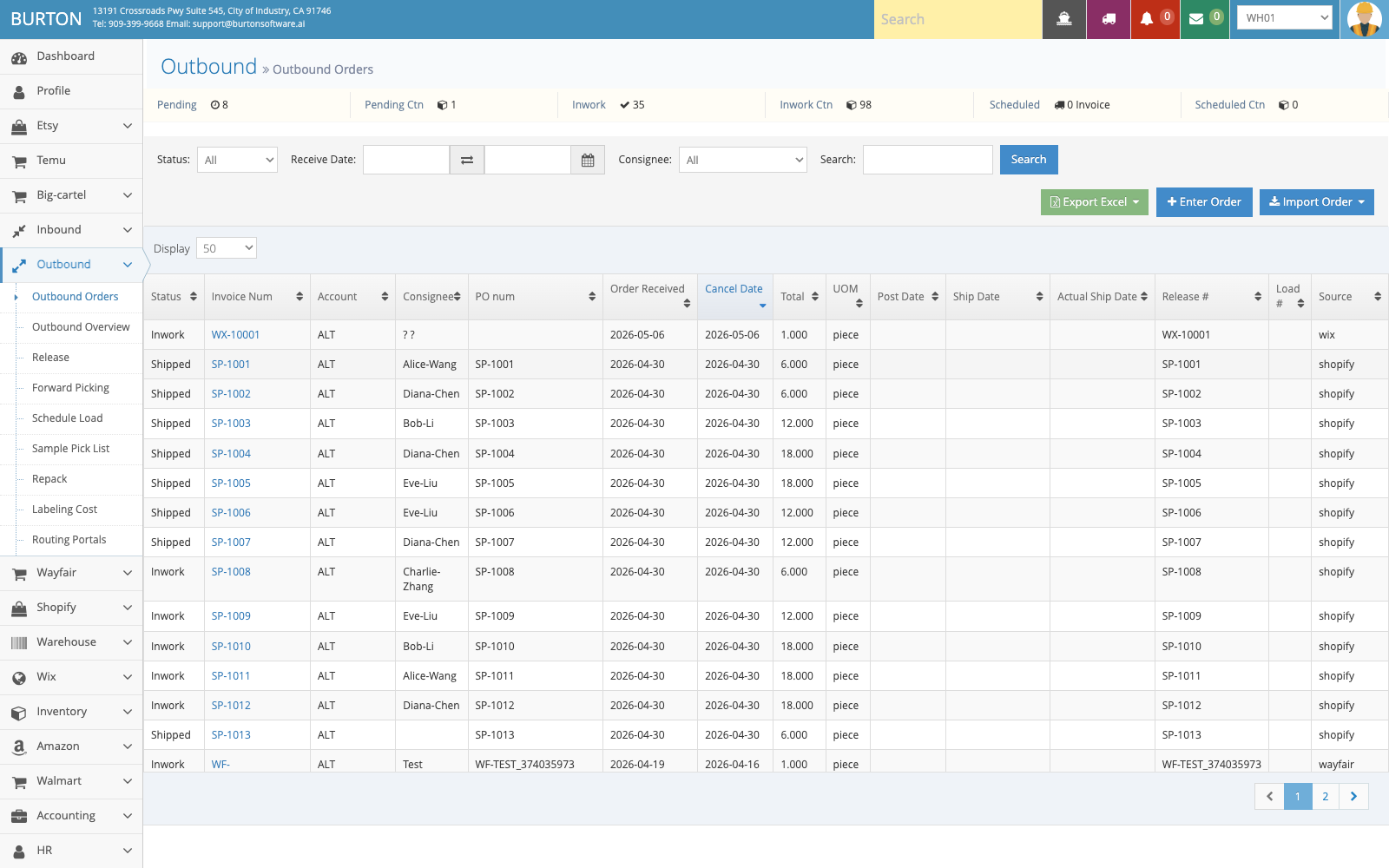
Accepted orders move into the WMS outbound execution workflow.
05 Go-Live Controls
- Use an external order ID or idempotency key to prevent duplicates.
- Do not release unmatched SKUs, invalid addresses, or missing warehouse and service codes.
- Apply a controlled change process after an order enters picking.
- Separate test and production URLs, credentials, and data scope.
- Test create, update, cancel, shortage, split, shipment, and retry scenarios before production.
06 Requesting Integration
Provide the target ERP or OMS, API documentation, authentication method, expected and peak volume, sample payloads, status model, and callback requirements. Burton will prepare capability matching, a gap list, implementation scope, test plan, and rollout proposal. Standard capabilities are configured first; differences enter custom assessment.