 BurtonSoftware
01 Sync Scope
After authorization, the system can sync orders, products, customers, inventory, shipment status, and tracking information depending on channel capability. Exact fields depend on platform API permissions and the customer's authorization scope.
Do not stop at connection success. Before go-live, confirm that order sync, product sync, inventory sync, and shipment confirmation can all be explained and validated.
02 Sync Objects and Check Pages
| Sync Object | Page | Key Fields |
|---|---|---|
| Orders | Orders | Order ID, Channel, Status, Recipient, Items, Fulfillment Status. |
| Products | Products | SKU, Title, Status, Price, Weight, Category, Image. |
| Inventory | Inventory Products | Warehouse, Bin, On Hand, Committed, Incoming, Available. |
| Customers | Customers | Name, Email, Channel, Orders, Last Order. |
| Shipment confirmation | Orders / Activity Logs | Carrier, Tracking, Ship Date, Confirmation Status, API Result. |
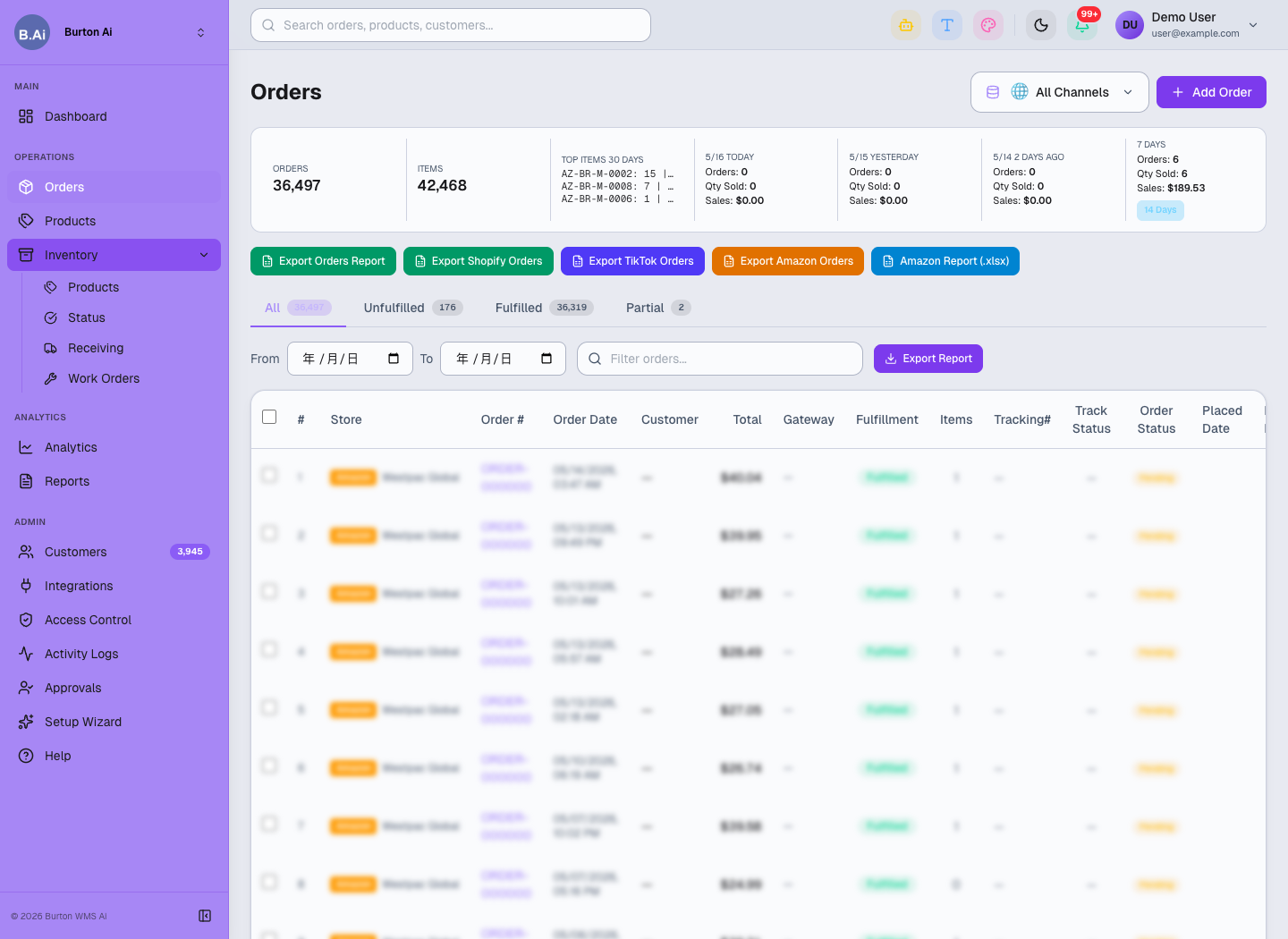
Orders helps verify whether platform orders have entered the system and whether fulfillment status is correct.
03 SKU and Product Mapping
SKU mapping is critical for stable order sync, inventory sync, and shipment confirmation. Customers should align store SKU, warehouse SKU, and system SKU before go-live.
| Scenario | Recommended Handling |
|---|---|
| All SKU values match | Use automatic matching and sample-check the result. |
| Channel SKU differs from warehouse SKU | Create a mapping before validating orders and inventory. |
| Case or spacing differs | Clean the SKU values before deciding whether they represent the same product. |
| Bundle or kit item | Confirm whether it should split into multiple warehouse SKUs. |
| New product sync | Check Products first, then Inventory Products. |
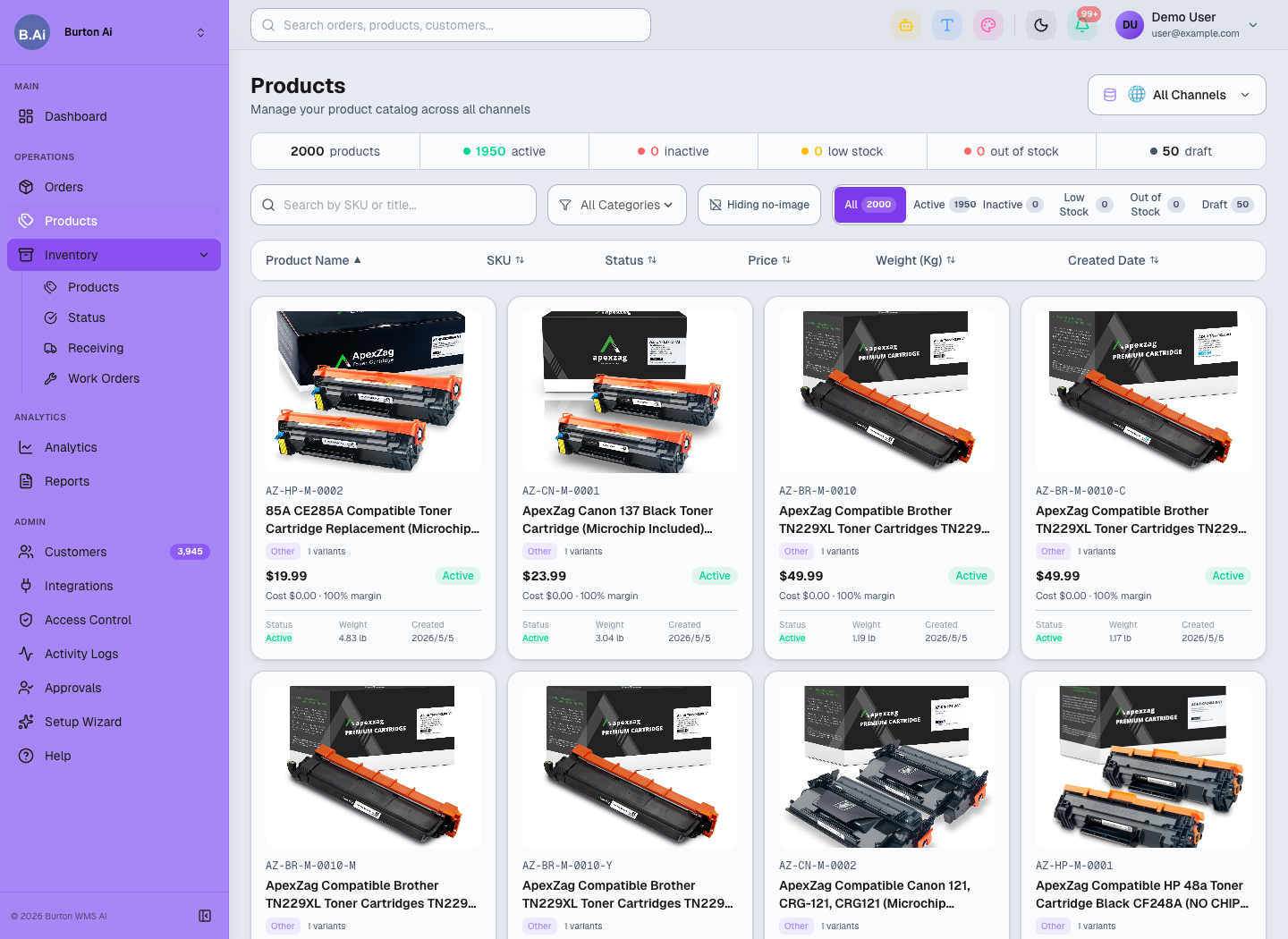
Products shows title, SKU, status, price, weight, and image completeness.
04 Inventory Definitions
Customers should understand the operational meaning of each inventory field.
| Field | Suggested Definition |
|---|---|
| On Hand | Physical stock currently in the warehouse. |
| Committed | Stock allocated to orders but not fully shipped. |
| Incoming | Stock in receiving plans or inbound transit. |
| Available | Sellable or allocatable stock after committed quantities are considered. |
| Status | Stock health such as In Stock, Low Stock, or Out of Stock. |
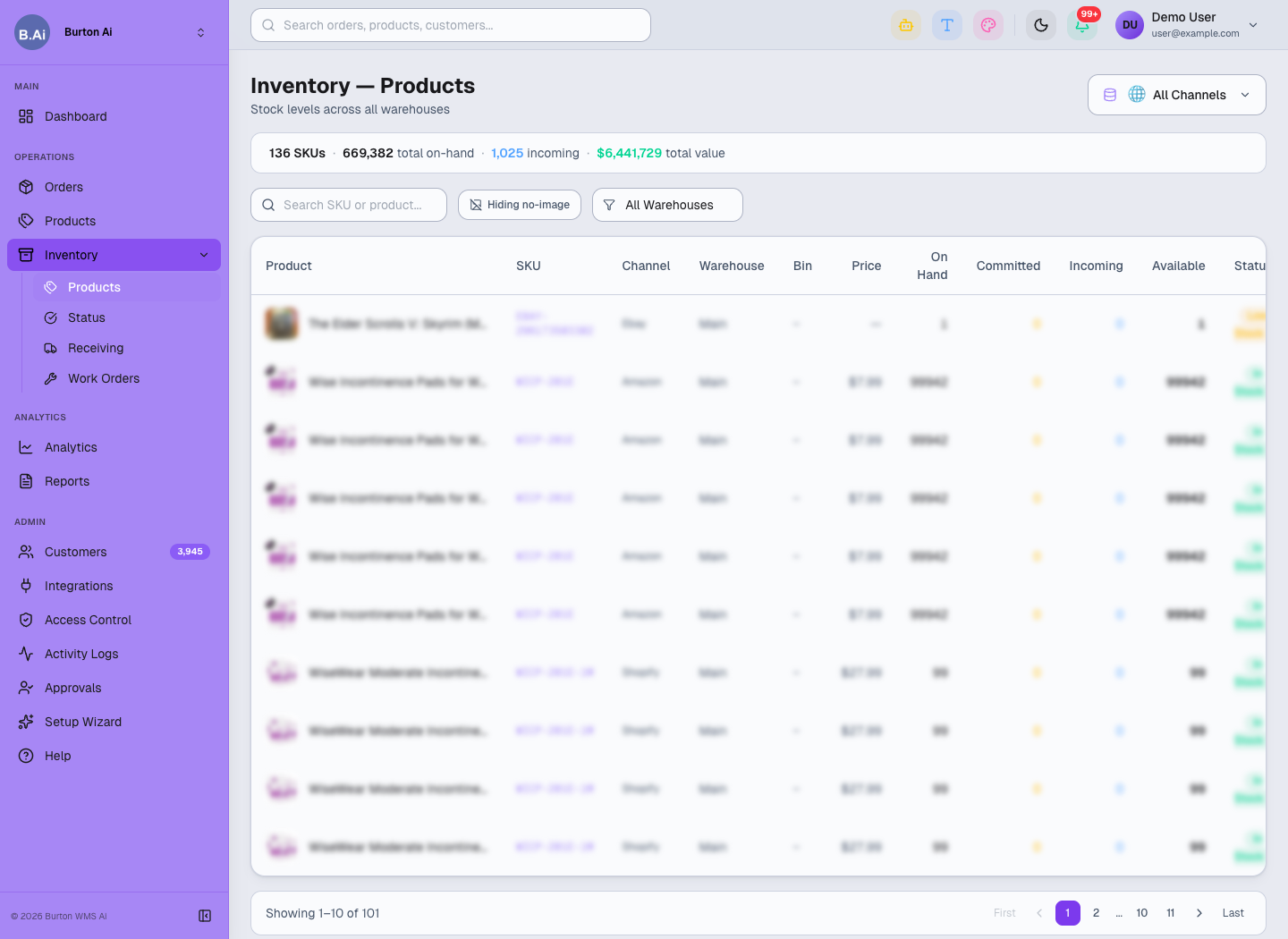
Inventory Products helps verify SKU, warehouse, bin, and available stock.
05 Shipment Confirmation Rules
After fulfillment, the system sends Tracking, Carrier, Ship Date, Fulfillment Status, ASN, or shipment confirmation back to the platform when required.
Before go-live, confirm:
- Carrier names match platform requirements.
- The customer allows automatic shipment confirmation.
- Platform label, ASN, or service code requirements are known.
- Someone owns retry and customer notification when confirmation fails.
06 Reconciliation
After authorization and sync are stable, customers can export order, product, and inventory CSV files from Reports. Run at least one post-go-live review across orders, inventory, and logistics.
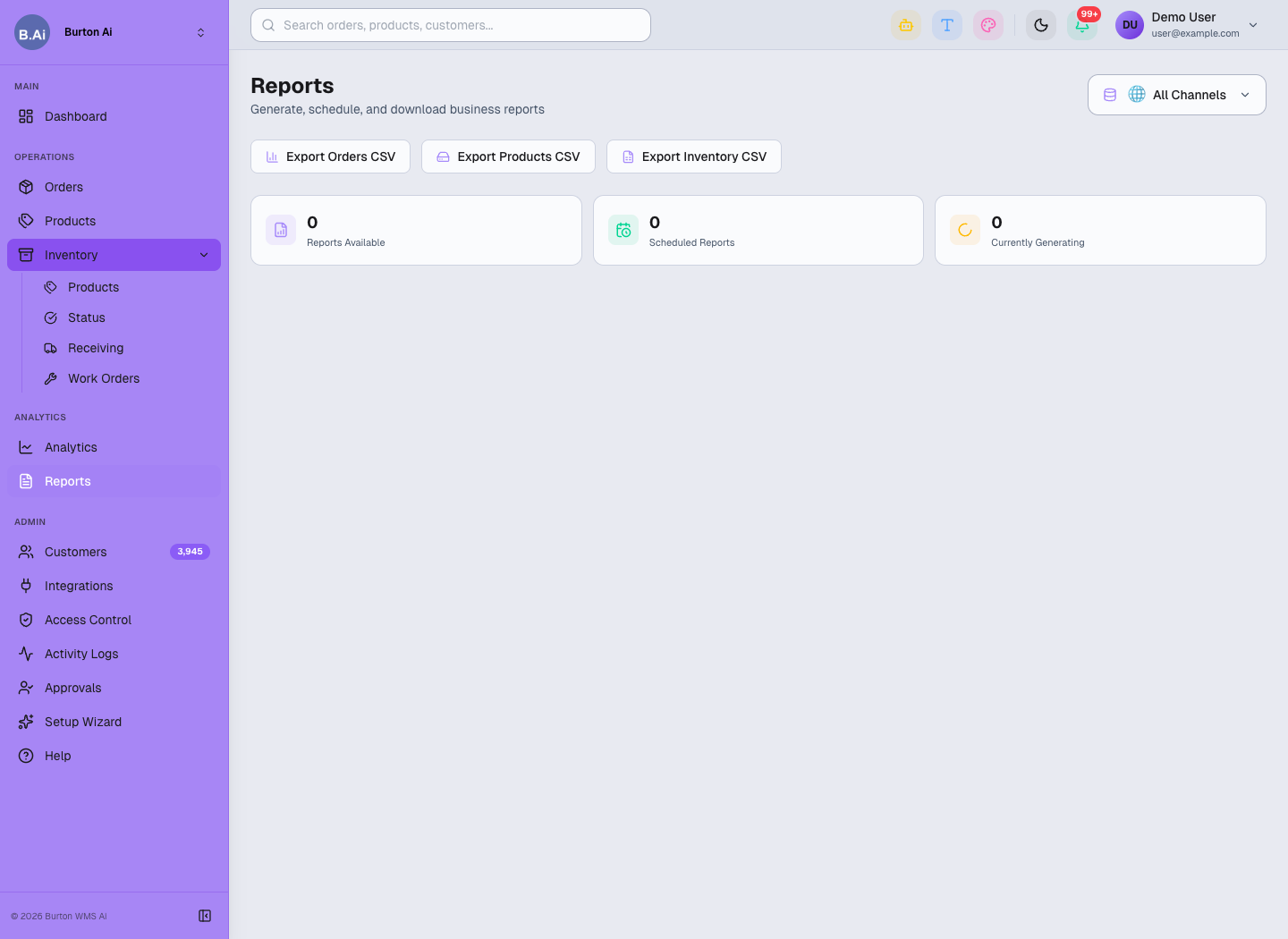
Reports exports order, product, and inventory data for customer reconciliation and post-go-live review.