 BurtonSoftware
01 Troubleshooting Principle
When an API issue appears, first identify the layer: account permission, channel authorization, SKU mapping, warehouse inventory, shipment confirmation, or platform API limitation.
Do not ask the customer to re-authorize immediately. Check connection status, activity logs, last sync time, and error fields first so active order sync is not interrupted unnecessarily.
02 Quick Check Order
- Confirm the customer account has passed Approvals.
- Confirm the user has the correct workspace and module permissions in Access Control.
- Open Integrations and check whether the channel is Connected.
- Review Activity Logs for authorization failure, sync failure, or permission issues.
- Sample-check Orders, Products, and Inventory Products.
- For shipment issues, check Carrier, Tracking, Ship Date, and platform-required fields.
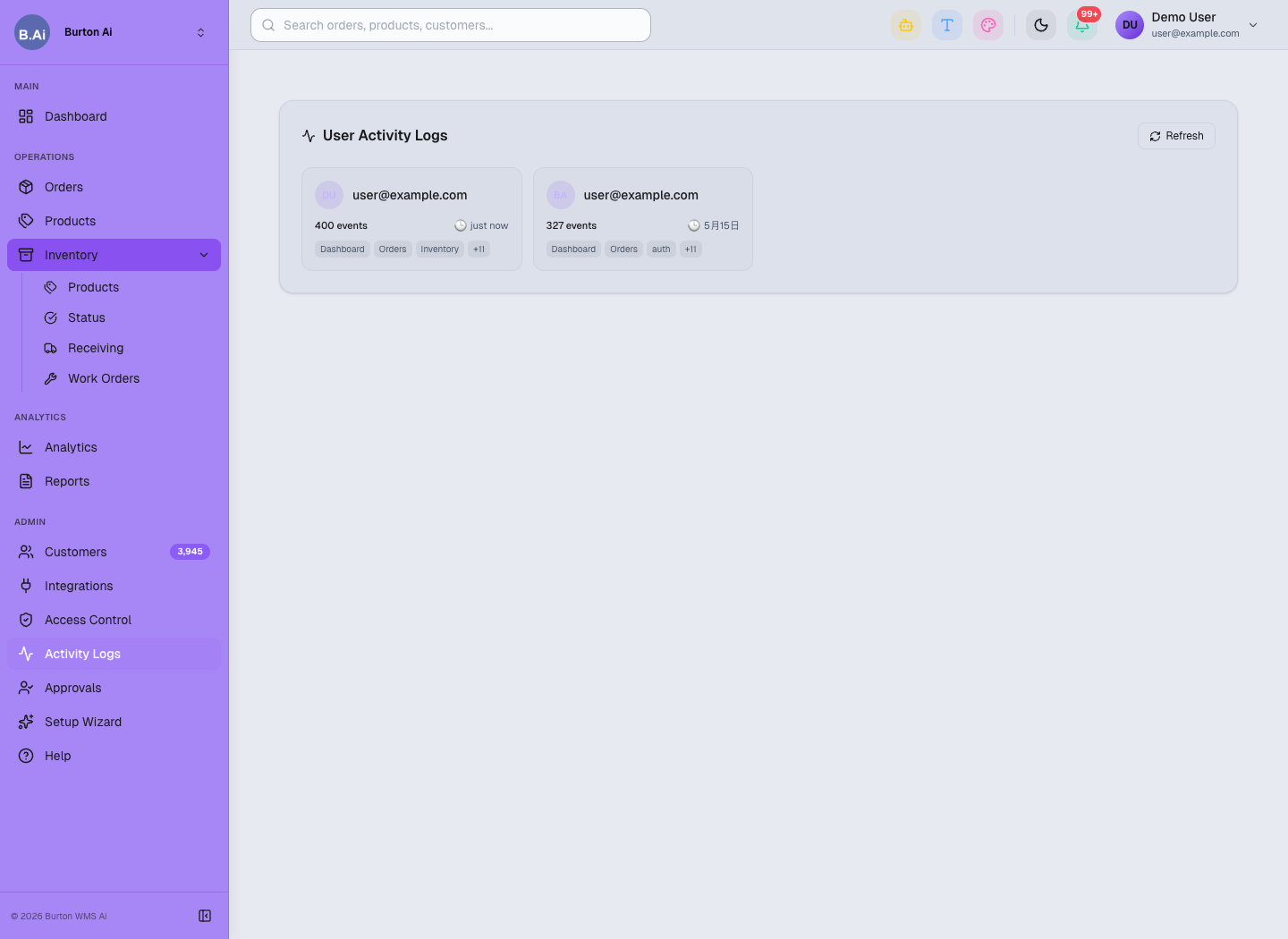
Activity Logs helps locate user actions, authorization issues, sync failures, and permission problems.
03 Common Questions
| Issue | Possible Cause | Recommendation |
|---|---|---|
| No orders after authorization | First-time sync is still running, store scope is wrong, channel is not connected, or filters are too narrow. | Check Connected status, last sync time, Orders filters, and Activity Logs. |
| API information is incorrect | Client ID, Secret, Token, or Marketplace ID comes from the wrong account or has expired. | Ask the customer to verify credentials in the platform admin portal. Do not request full secrets in public channels. |
| SKU matching fails | Case, spaces, prefix, suffix, or bundle rules differ. | Check Products first, create SKU mapping, then sample-check orders again. |
| Inventory does not sync | SKU is not mapped, warehouse scope is wrong, or inventory permission is missing. | Check Inventory Products, warehouse permission, channel permission, and sync logs. |
| Logistics channel is unavailable | Carrier name does not match platform rules, or shipping method is disabled. | Verify Carrier, Shipping Method, platform service code, and shipment confirmation settings. |
| User cannot see the channel | User is not in the correct workspace or permission group. | Ask an admin to review Group, Workspace, and module permission in Access Control. |
04 Error Handling Template
| Error Type | Check First | Customer Should Provide |
|---|---|---|
| Authorization failure | Platform account, permission scope, browser login account, callback result. | Platform name, store name, authorization time, and error screenshot. |
| Token expired | Whether Refresh Token expired or was revoked by the platform. | Platform authorization status, not the full token. |
| SKU does not exist | Whether Products contains the SKU and mapping exists. | SKU example and masked order evidence. |
| Inventory mismatch | Inventory Products fields, warehouse scope, channel inventory permission. | SKU, warehouse, and expected inventory definition. |
| Shipment confirmation failure | Carrier, Tracking, Ship Date, platform service code. | Masked order screenshot, shipping method, and platform error message. |
05 Permissions and Security
Admins should restrict who can operate Integrations, Setup Wizard, and Access Control. Support and operations users may review sync status, but should not manage API credentials unless explicitly approved.
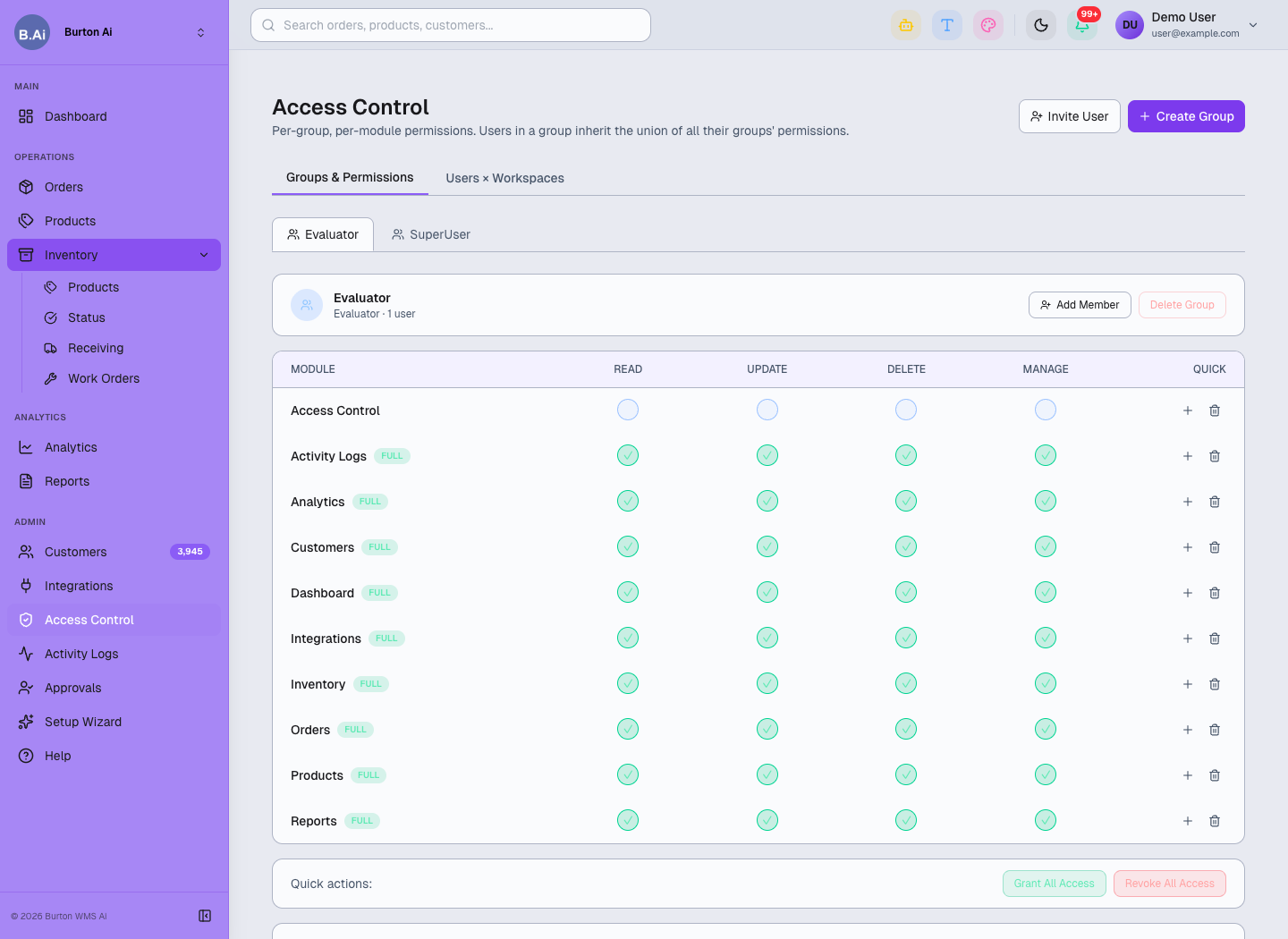
Access Control manages who can view, edit, or administer sensitive features by group and workspace.