 BurtonSoftware
01 Scope
Inventory is split into Products, Status, Receiving, and Work Orders. Together they connect stock availability, stock health, inbound receiving, and warehouse tasks.
02 Inventory Products
Inventory Products shows SKU stock by channel and warehouse. Key fields include Product, SKU, Channel, Warehouse, Bin, Price, On Hand, Committed, Incoming, Available, and Status.
Recommended use:
- Select All Channels or a specific channel.
- Filter warehouse by Main, Overflow, Vault, or another configured warehouse.
- Search by SKU or product.
- Compare On Hand, Committed, Incoming, and Available before promising fulfillment.
03 Inventory Status
Inventory Status tracks stock health through In Stock, Low Stock, Out of Stock, Incoming, and Stock Alerts. Use it to schedule replenishment, receiving, or recounts.
04 Inventory Receiving
Receiving tracks purchase orders and inbound deliveries. The page describes the flow: Create PO → Supplier ships → Mark Arrived → Inspect & count → Receive into inventory. Key fields include PO Number, Supplier, Items, Total Value, Expected, Notes, Variance, and Status.
05 Inventory Work Orders
Work Orders manages warehouse tasks such as Pick, Pack, Transfer, Recount, Quality Check, and Putaway. Use All, Pending, In Progress, and Completed to review status.
06 Risk Controls
- Confirm channel and warehouse scope before any stock adjustment.
- Review low stock together with pending orders.
- New PO and New Work Order should be restricted to authorized operators.
07 Product Interface Evidence
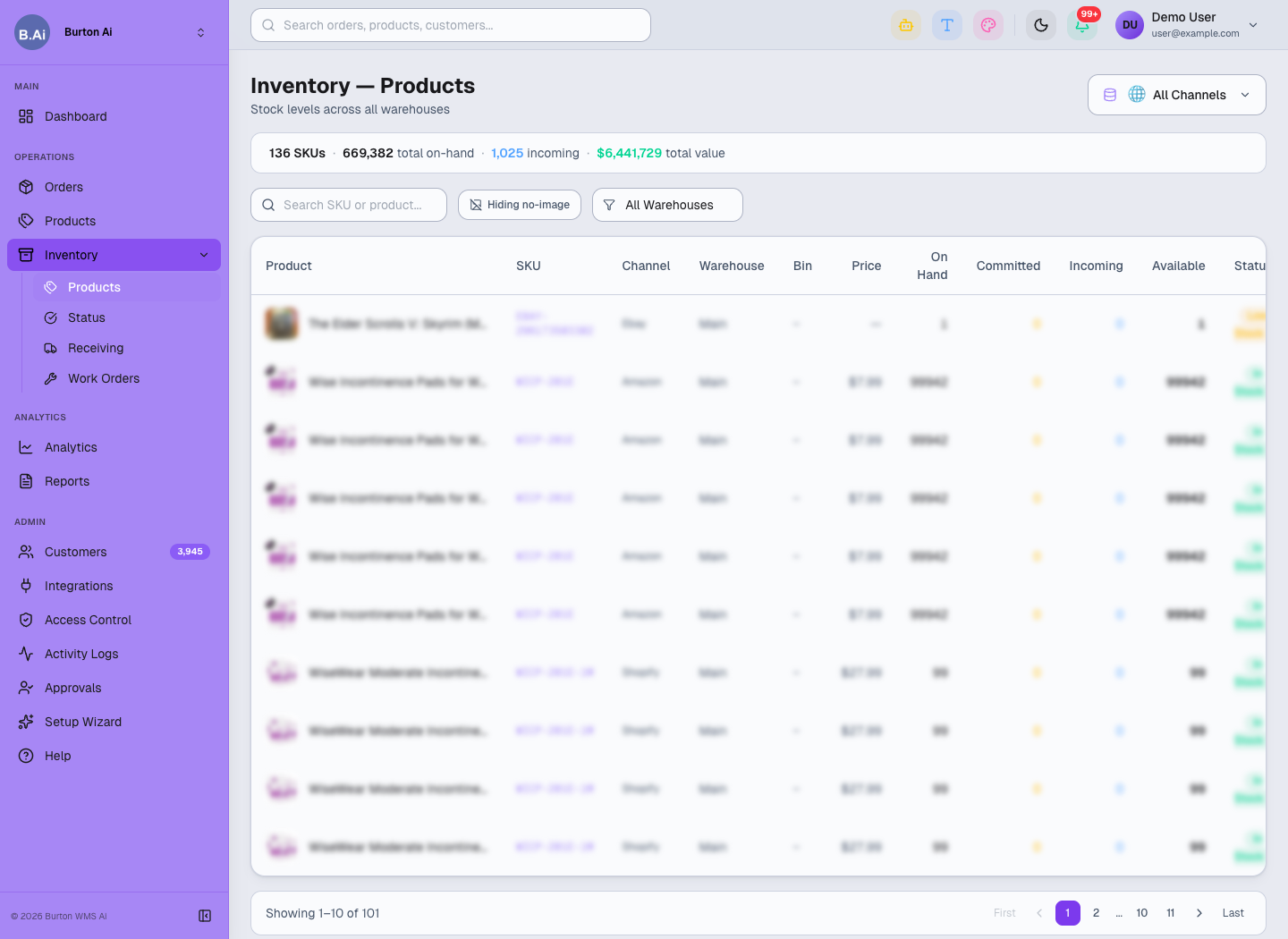
Inventory Products shows On Hand, Committed, Incoming, Available, and Status by channel and warehouse.
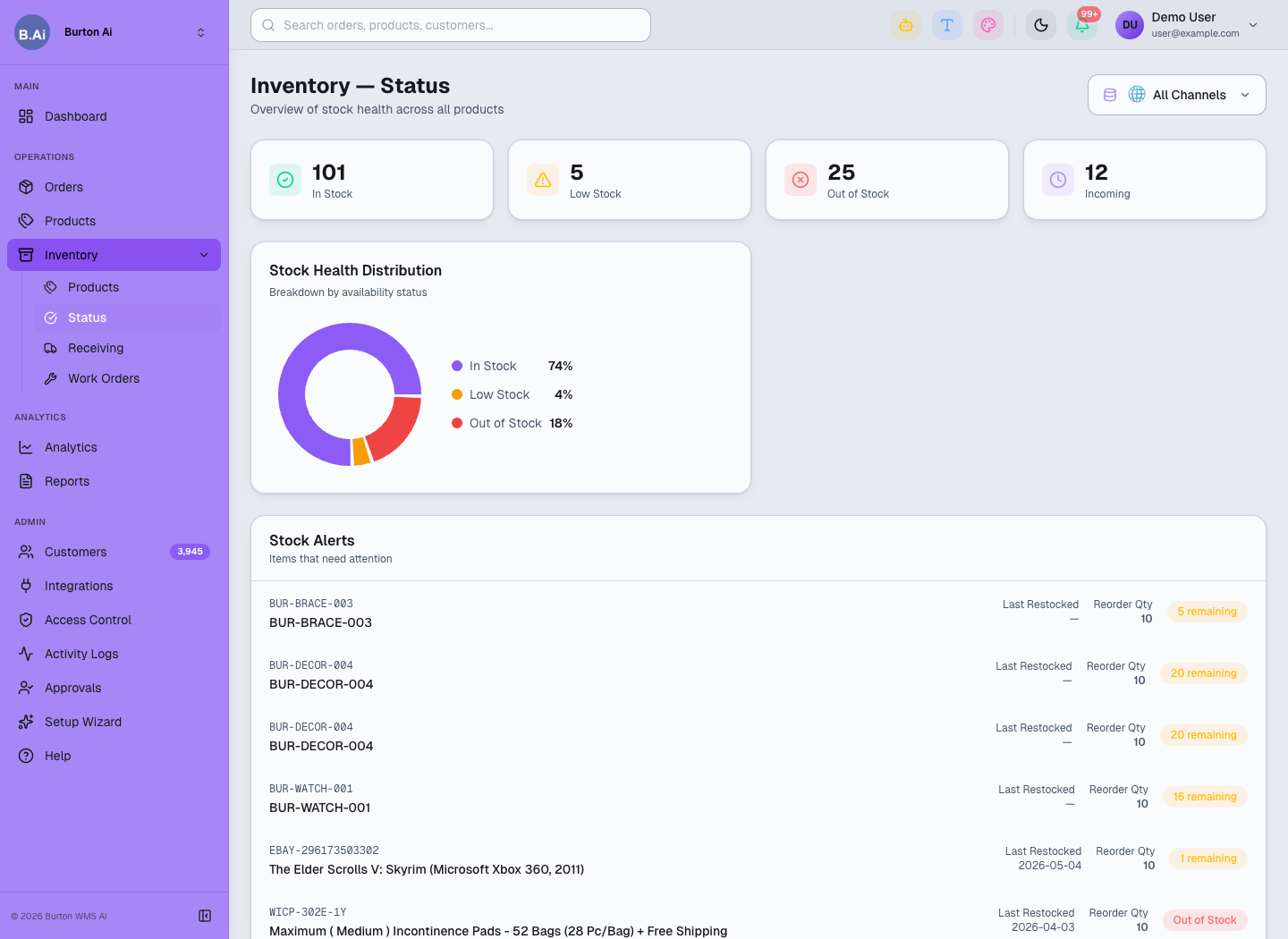
Inventory Status highlights stock health and alerts.
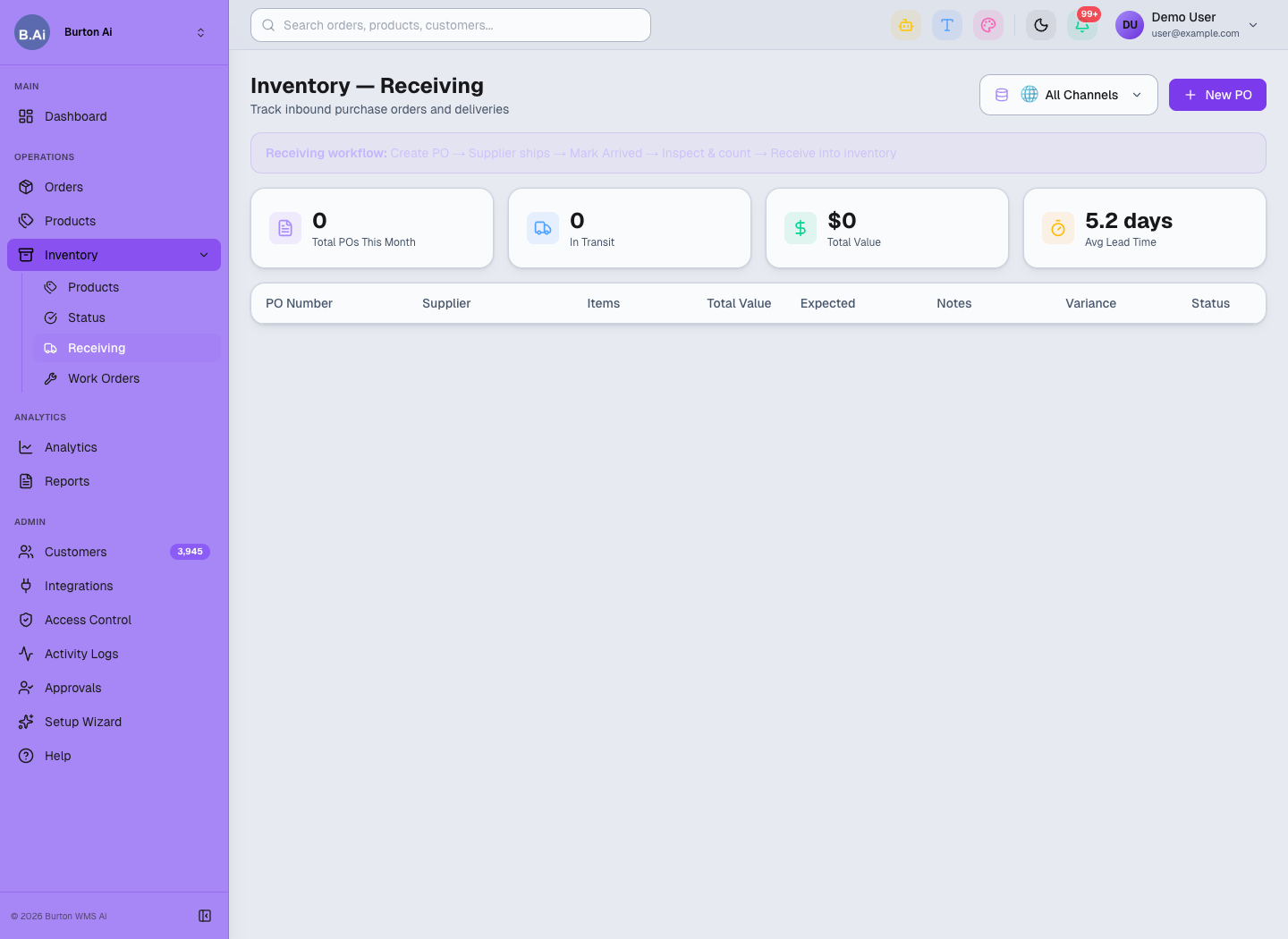
Receiving manages PO arrival, inspection, variance, and inventory receipt.
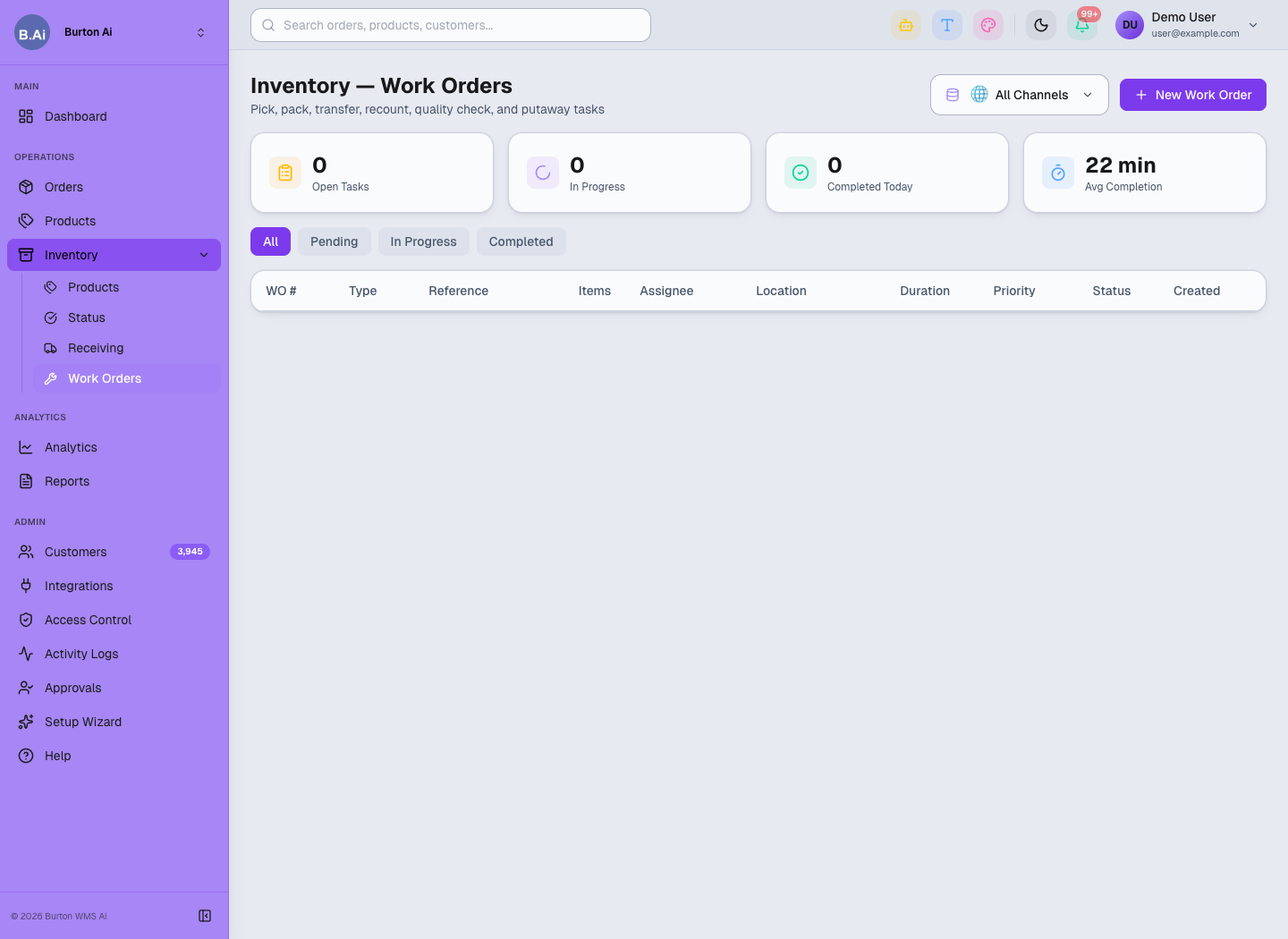
Work Orders manages pick, pack, transfer, recount, quality check, and putaway tasks.